About DVD Library
Tired of forgetting which DVDs you own or where they're stored? DVD Library is your complete solution for organizing and managing your physical DVD collection. Whether you have 50 or 500 DVDs, this powerful app makes it easy to catalog, search, and track your entire collection.
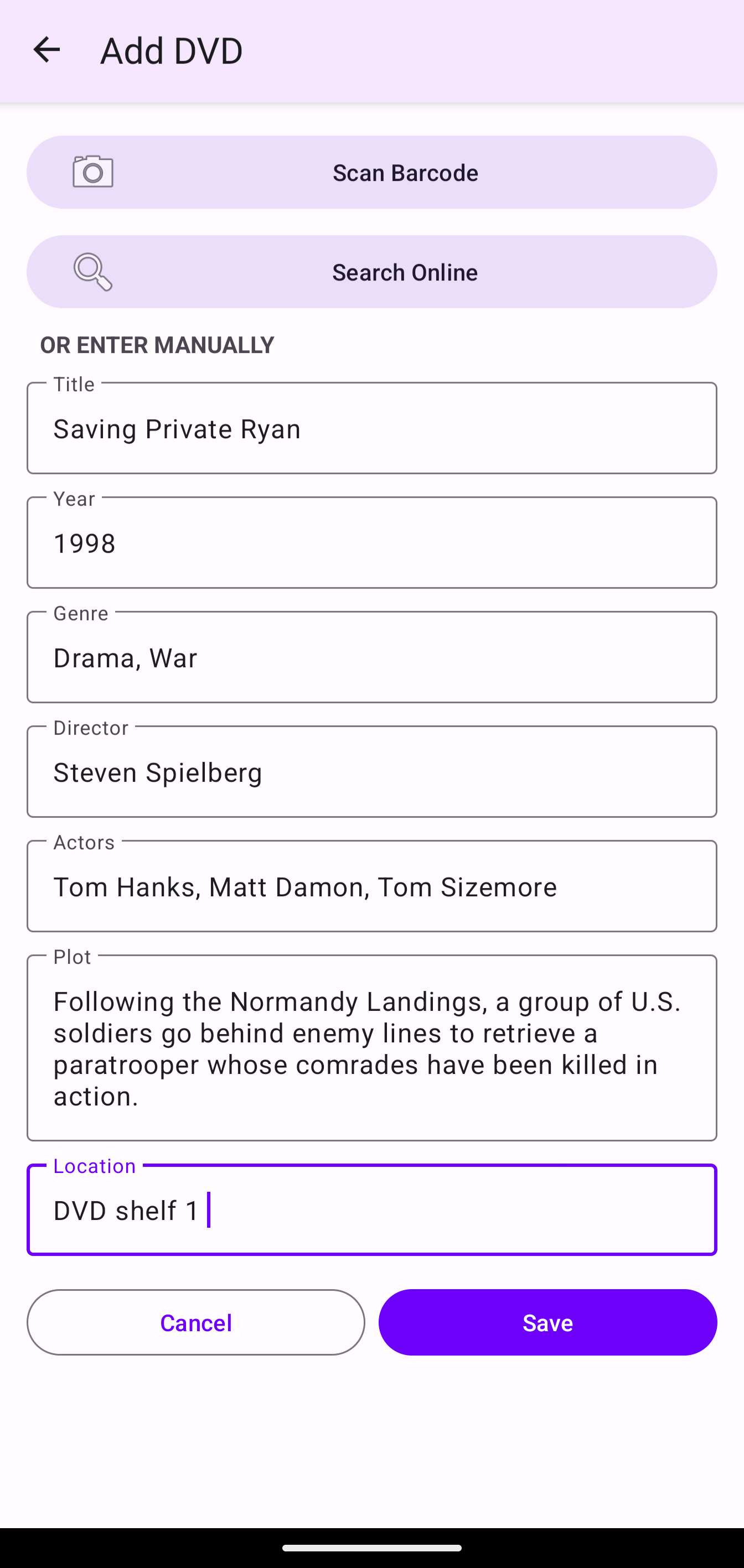
Simply scan a DVD's barcode using your phone's camera, and DVD Library automatically fetches all the movie details from the OMDb database - including title, year, genre, director, actors, and plot summary. No more manual typing! You can also add custom location tags to remember exactly where each DVD is stored (living room shelf, basement box, bedroom closet, etc.).
Perfect for movie collectors, home organizers, and anyone who wants to know their collection at a glance. View detailed statistics about your collection, search and filter by any criteria, and never buy the same DVD twice!
✨ Key Features
Barcode Scanner
Point your camera at any DVD barcode and instantly scan it. Fast, accurate barcode recognition powered by ZXing technology.
Online Lookup
Automatically fetch complete movie details from OMDb database including title, year, genre, director, actors, plot, and more.
Location Tracking
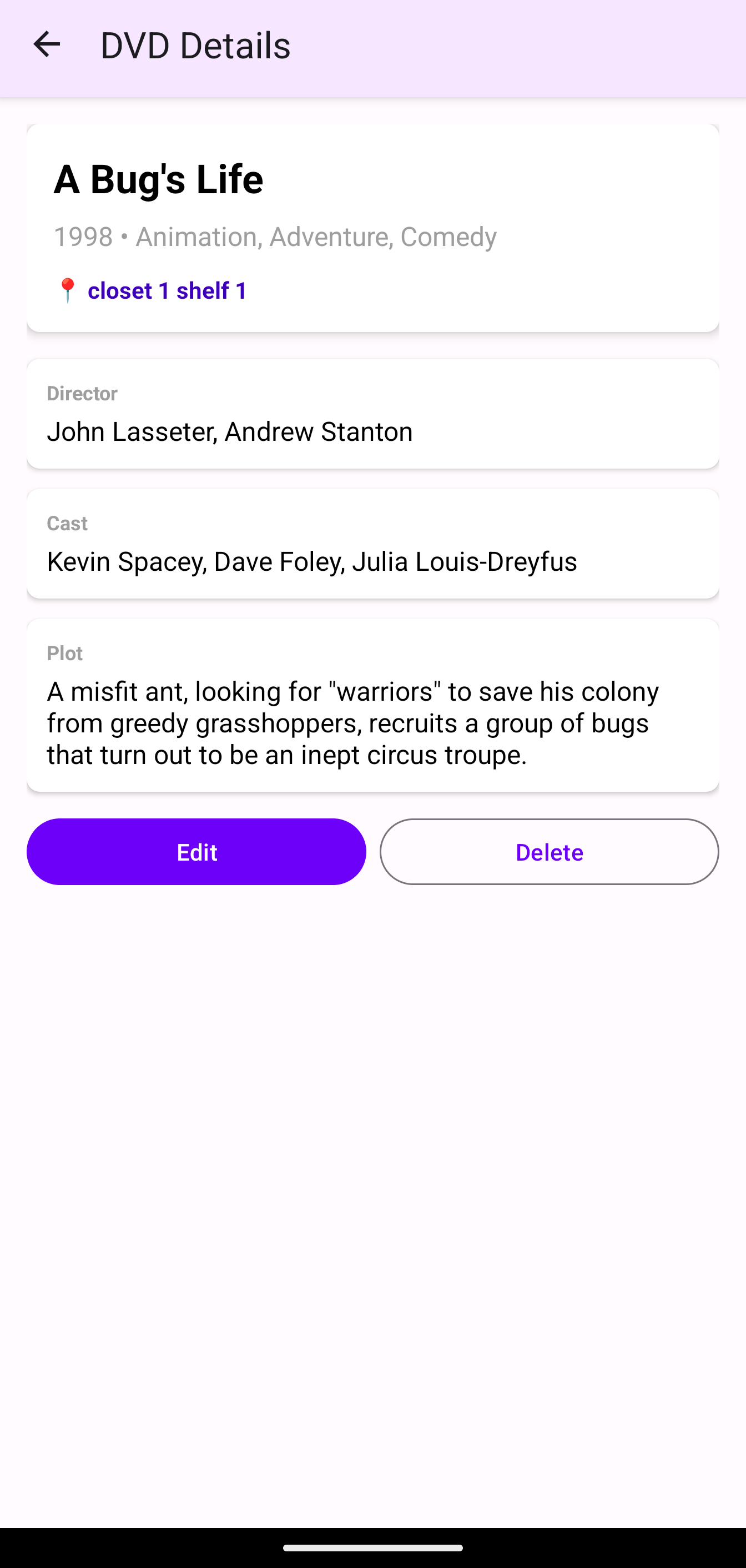
Add custom location tags to remember where each DVD is stored. Perfect for large collections spread across multiple rooms or storage boxes.
Search & Filter
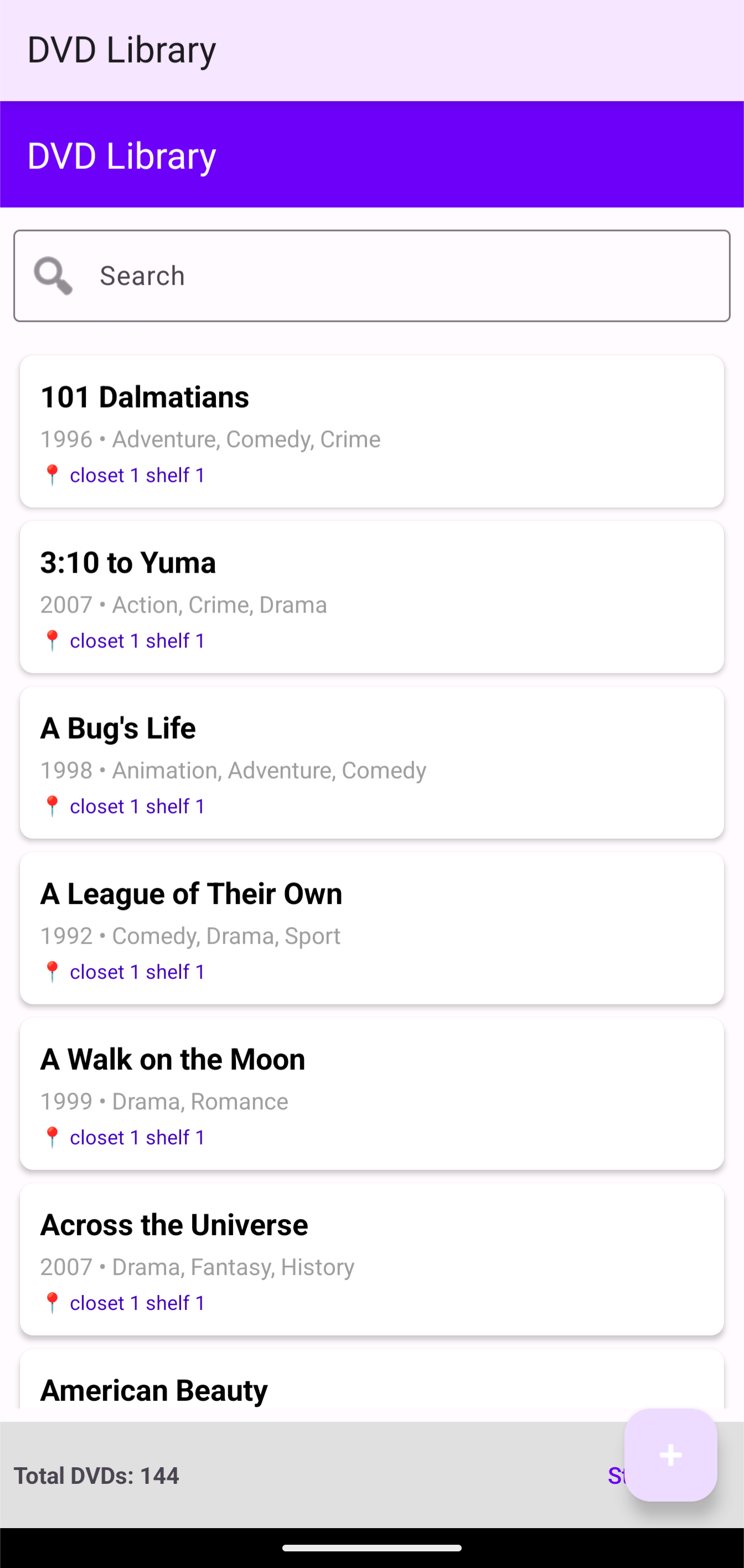
Powerful search functionality lets you find any DVD instantly by title, genre, year, or location. Advanced filtering makes browsing your collection effortless.
Collection Statistics
View insightful statistics about your collection including total count, genre breakdown, and location distribution. See your collection at a glance.
Edit & Delete
Full management capabilities - edit any DVD details, update locations, or remove items from your collection with ease.
📱 How to Install
- Purchase: Click "Buy Now" above to complete your secure purchase via Stripe
- Download: After payment, you'll receive an instant download link for the APK file
- Enable Installation: Go to Settings → Security → Enable "Install from Unknown Sources"
- Install: Tap the downloaded APK file and follow the on-screen prompts
- Launch: Find DVD Library in your app drawer and start cataloging your collection!
Note: You may see a Google Play Protect warning. This is normal for apps not from the Play Store. DVD Library is safe and developed by Forward Forging.